vernet
 Vernet
Vernet - Know your network






Features
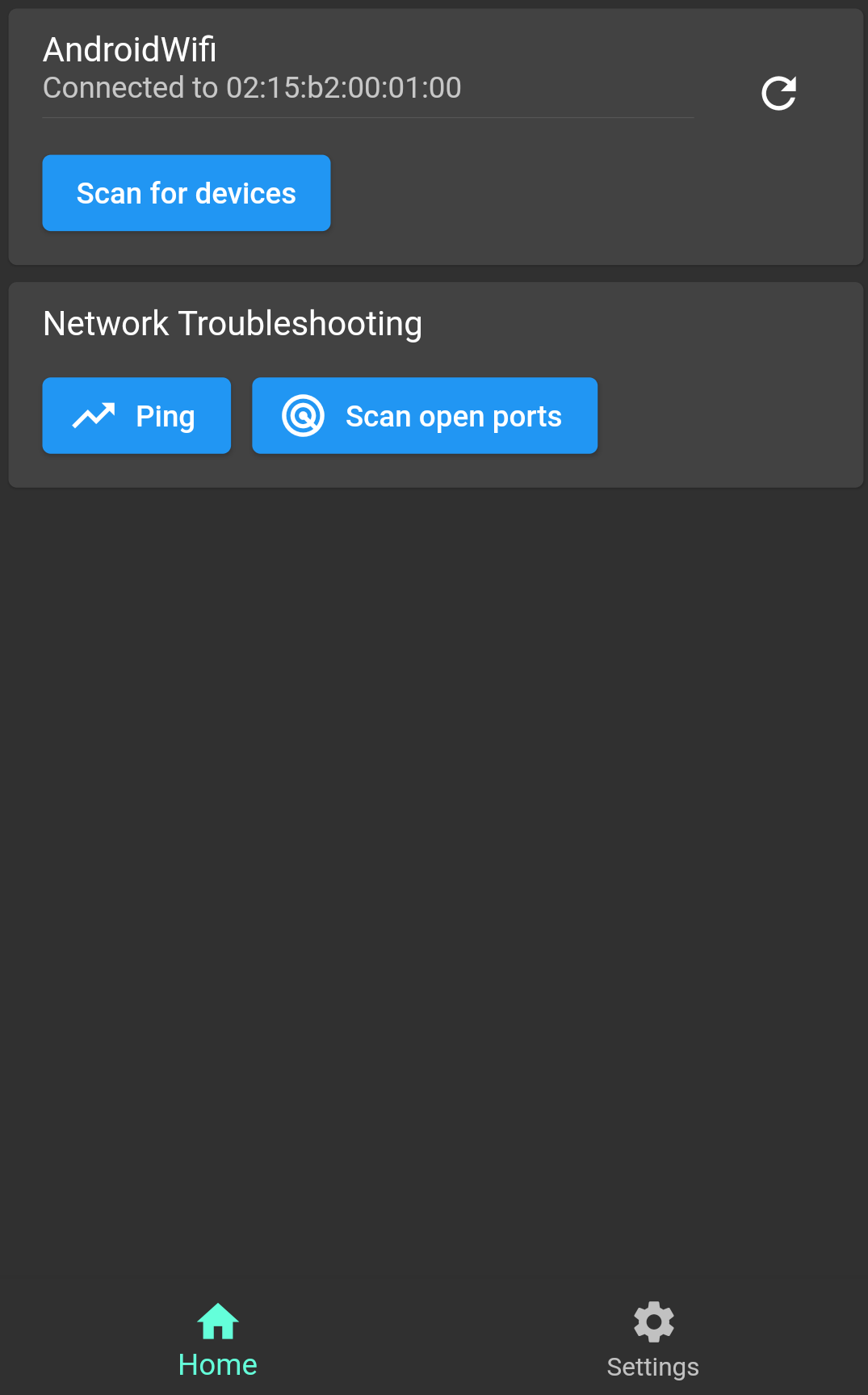
- See your Wi-Fi name, BSSID, local address, gateway, and subnet.
- Find devices connected to your local network, including automatic scans when the app opens.
- Check whether a website or device responds with ping, even without internet access.
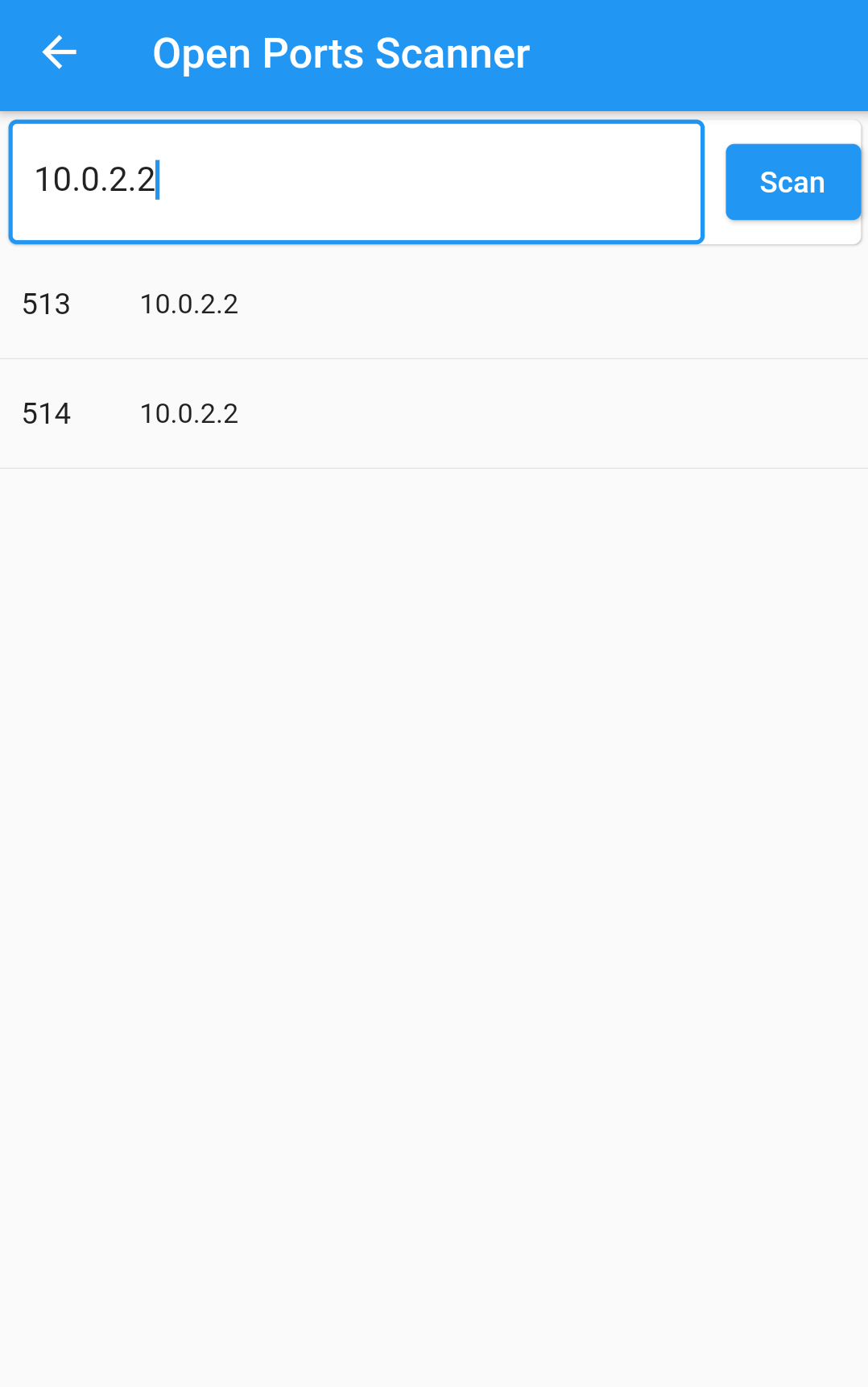
- Scan popular ports, a custom range, or a single port for reachable services.
- Look up website addresses and find device names with forward and reverse DNS.
- Test your download and upload speed.
- View your public IP and internet provider information.
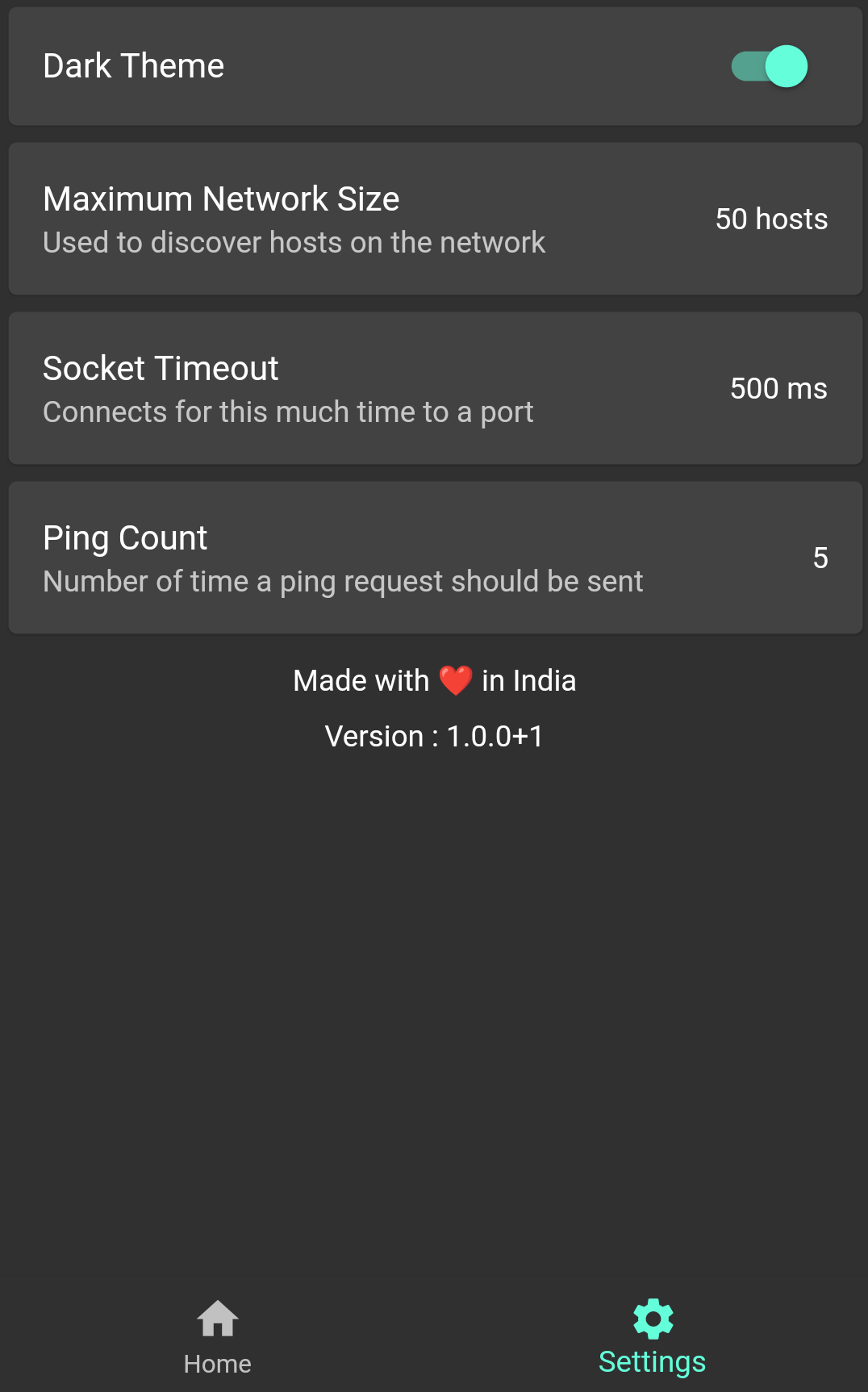
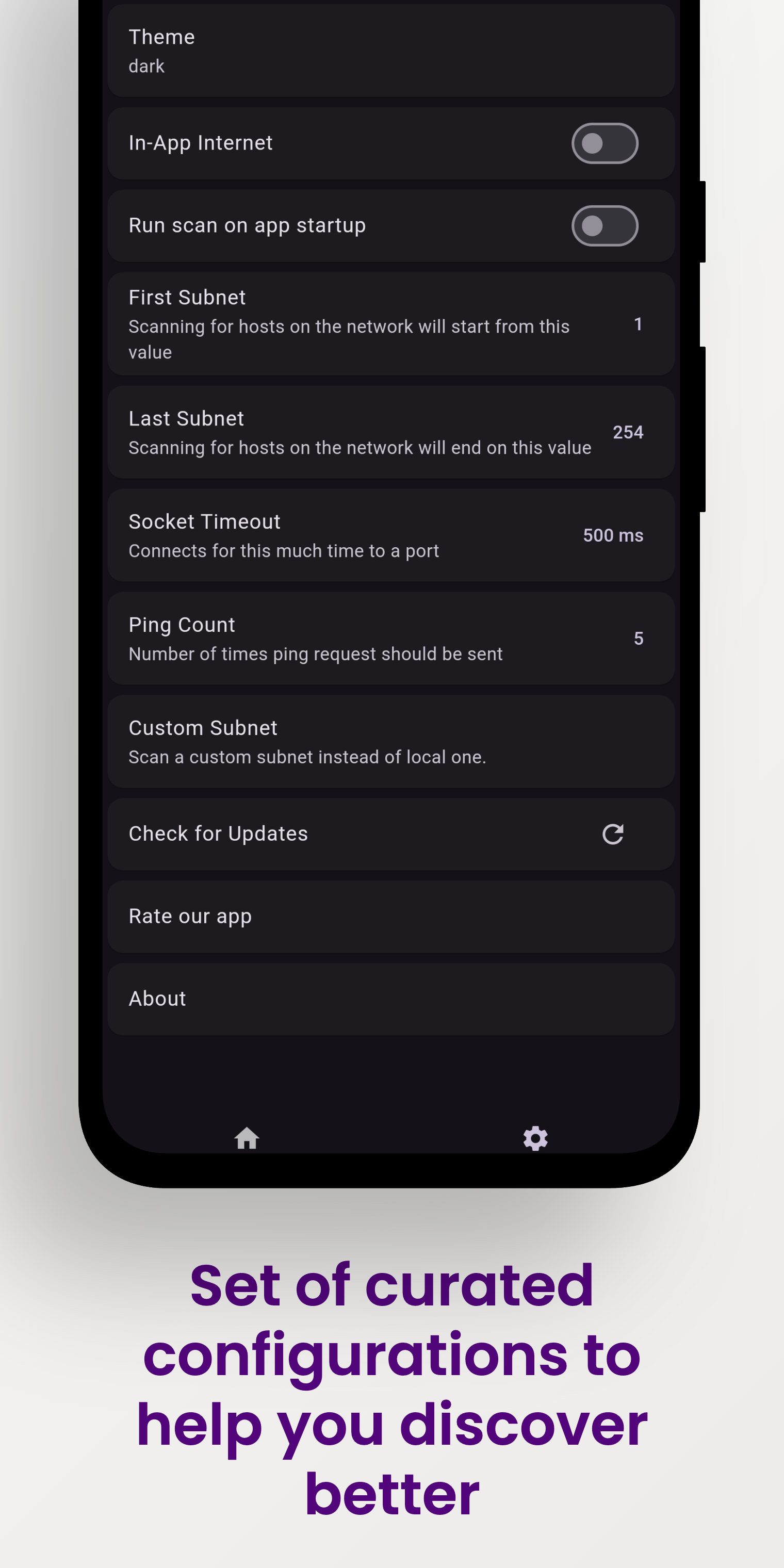
- Control internet access, location permission, scan ranges, ping count, and timeouts.
Vernet helps you spot possible connection and security concerns. It does not replace a professional security audit, but it gives you useful findings to review, such as devices and services that are reachable on your network.
Screenshots
| Vernet | Home | Connected Devices | Security Findings |
|---|---|---|---|
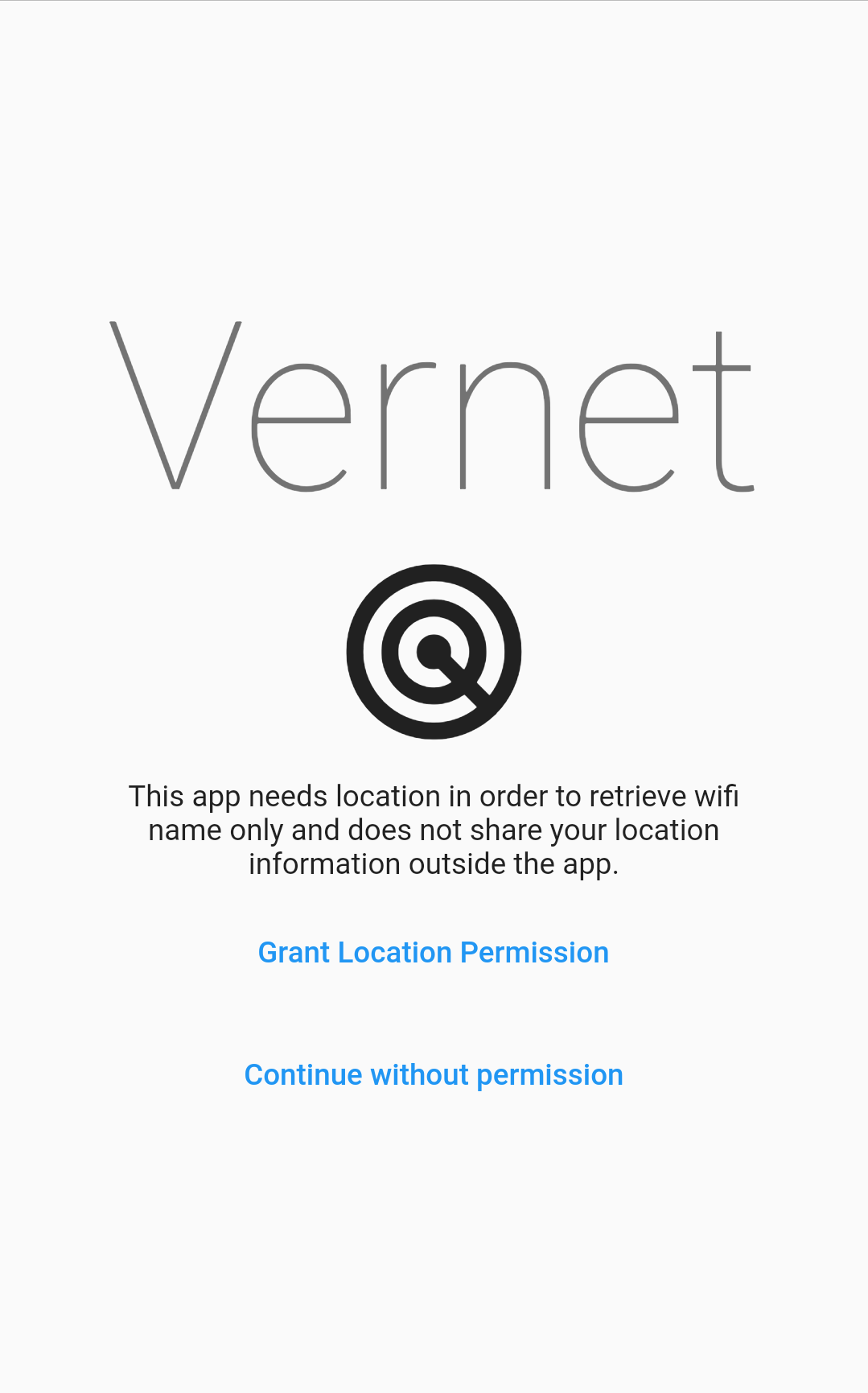 |
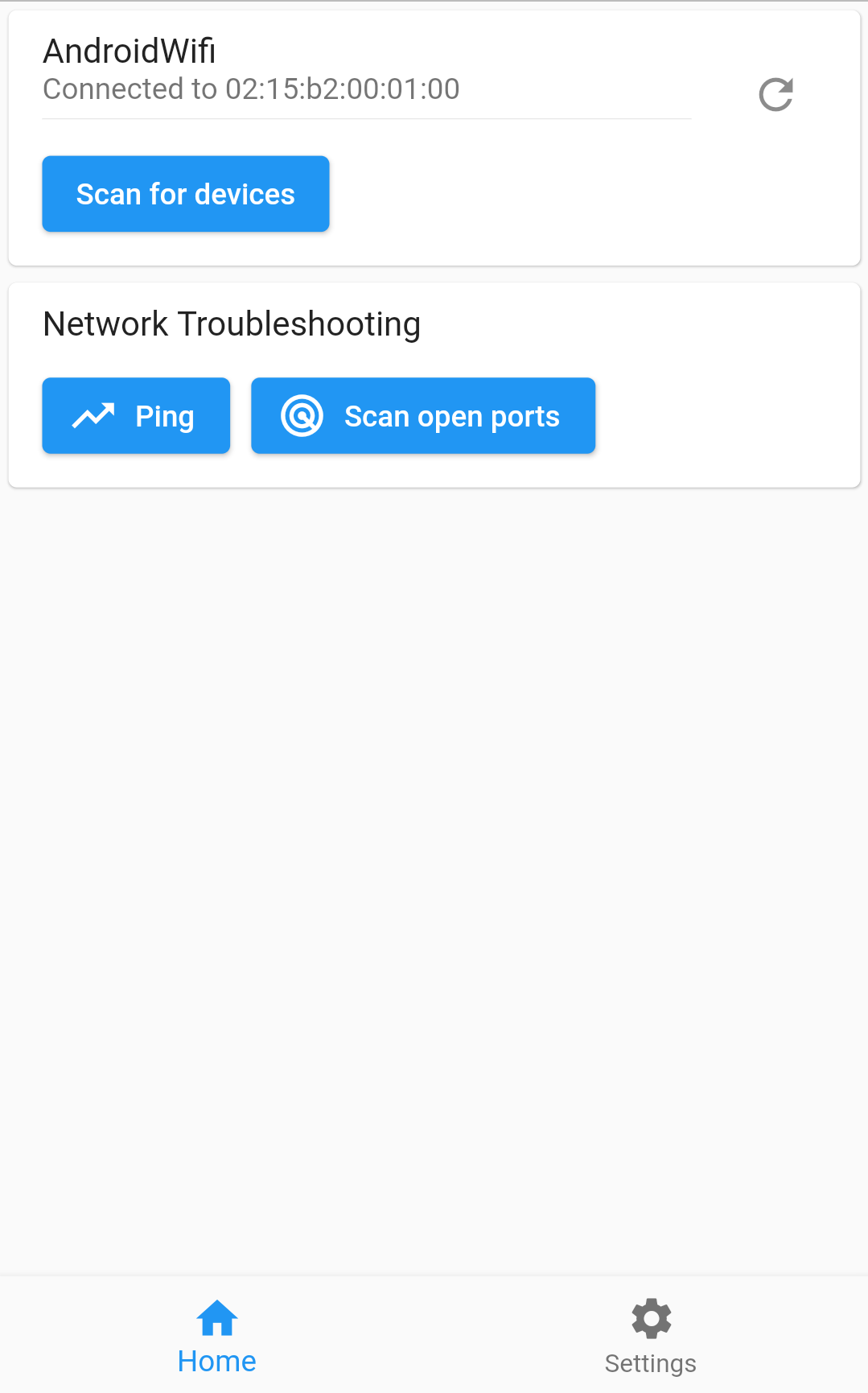 |
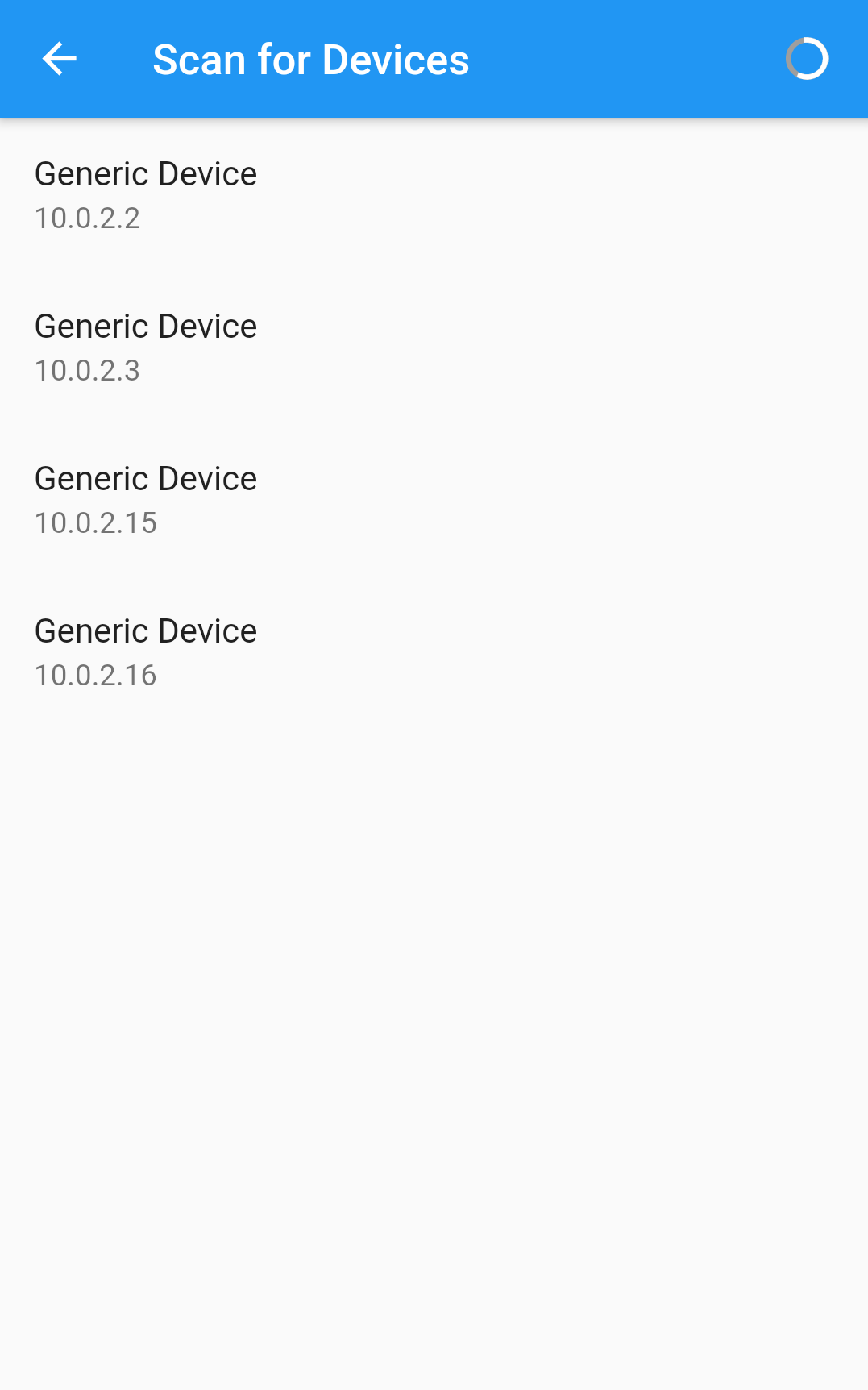 |
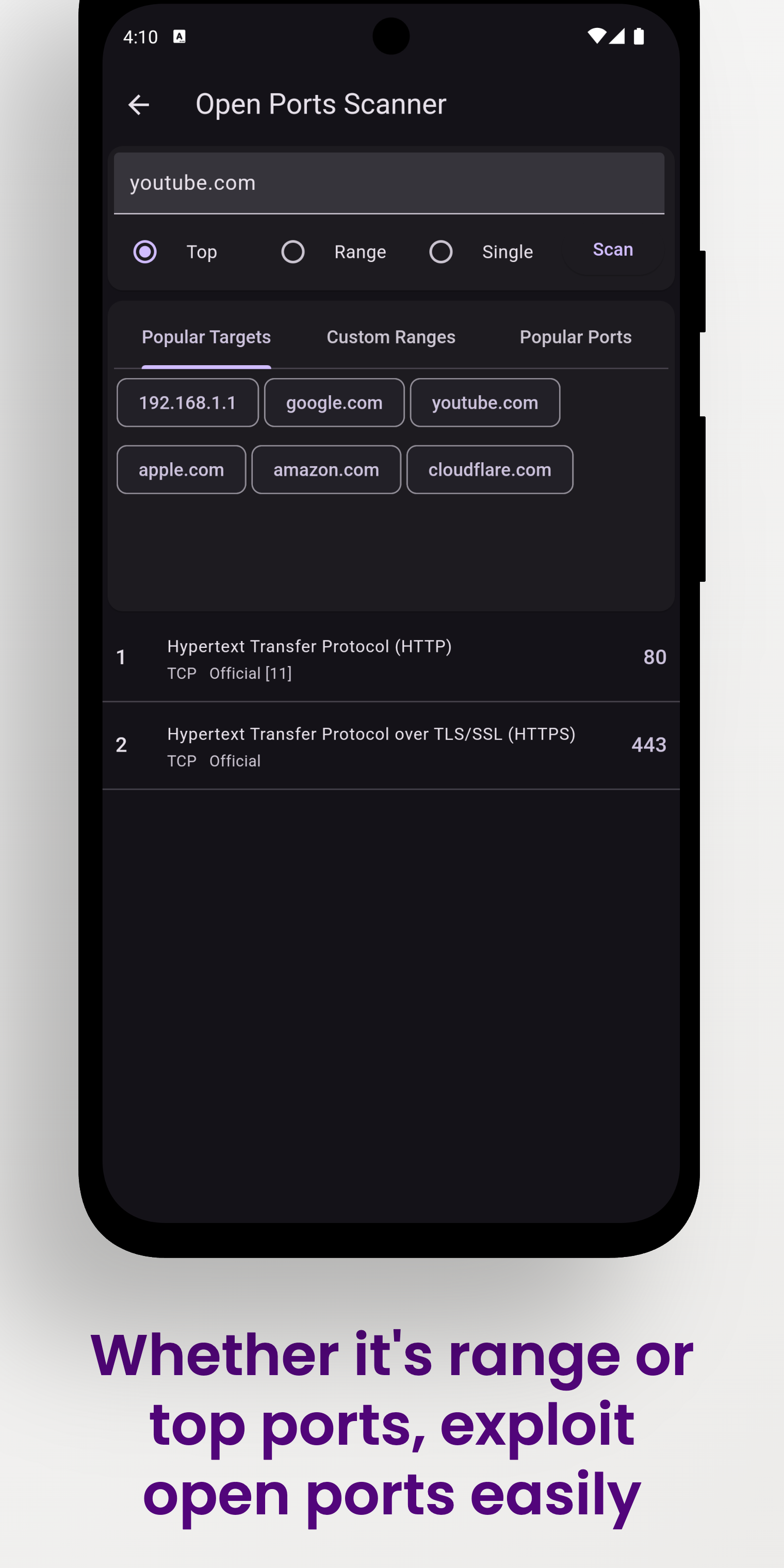 |
| Ping | DNS | Speed test | Settings |
 |
 |
 |
 |
Download
| Android | iOS | macOS | Linux | Windows |
|---|---|---|---|---|
  |
Coming soon |  |
 |
 |
Web is not currently supported.
How to install
Vernet is available for Linux, Windows and macOS. Linux and Windows builds come in both x64 and arm64.
| Platform | Architectures | Install from |
|---|---|---|
| Linux | x64, arm64 | Snap Store or GitHub releases |
| Windows | x64, arm64 | Microsoft Store or GitHub releases |
| macOS | Apple silicon and Intel | GitHub releases |
Not sure which architecture you have? On Linux, run uname -m: x86_64 means x64 and aarch64 means arm64. On Windows, open Settings > System > About and check “System type”.
Instructions for Linux
Option 1: Snap Store (recommended)
sudo snap install vernet --beta
Then connect the network permissions once, so the app can discover devices:
sudo snap connect vernet:network-observe
sudo snap connect vernet:network-manager-observe
snap install picks the right build for your architecture (x64 or arm64) automatically.
Option 2: Download from GitHub
- Star this repository.
- Install the
net-toolspackage for thearpcommand, otherwise the app will not run.sudo apt install net-tools - Download the zip for your architecture from releases:
Vernet-<version>-linux-x64.zipfor x64Vernet-<version>-linux-arm64.zipfor arm64
- Extract the downloaded zip file.
- Go to the
bundlefolder and double click thevernetfile.
Instructions for Windows
Option 1: Microsoft Store (recommended)
Install Vernet from the Microsoft Store. The Store installs the right build for your device (x64 or arm64) and keeps it updated.
Option 2: Download from GitHub
- Star this repository.
- Download the zip for your architecture from releases:
Vernet-<version>-windows-x64.zipfor x64Vernet-<version>-windows-arm64.zipfor arm64
- Extract the downloaded zip file.
- Run
vernet.exe. - Click on More info, then tap Run anyway.
- Give permission if asked.
Instructions for macOS
Note: the macOS build hasn’t been notarized yet.
- Star this repository.
- Download
Vernet-<version>-macos.zip(or the.dmg) from releases. - Extract the downloaded zip file, or open the
.dmg. - Copy the app to the Applications folder.
- Go to the Applications folder.
- Hold down Cmd and click on Vernet.
- In the context menu, click Open.
Publishing to F-Droid
You can follow this guide to publish your app to f-droid - https://op3nsoc13ty.blogspot.com/2021/06/publish-your-first-flutter-app-to-fdroid.html
How to Contribute
- Found bug? Open an issue
- Do you know Flutter? Fix bugs and open a Pull Request
Support and Donate
- Support this project by becoming stargazer of this project.
-
Rate our app on Google Play
-
Buy me a coffee.
Librepay 
-
Support me on Ko-Fi

Vernet is an independent open-source project, licensed under Apache-2.0, and is not affiliated with or endorsed by any other organization or product with a similar name.